Chrome & Edge Extension

Navigate to any
BC Document in 2 keystrokes.

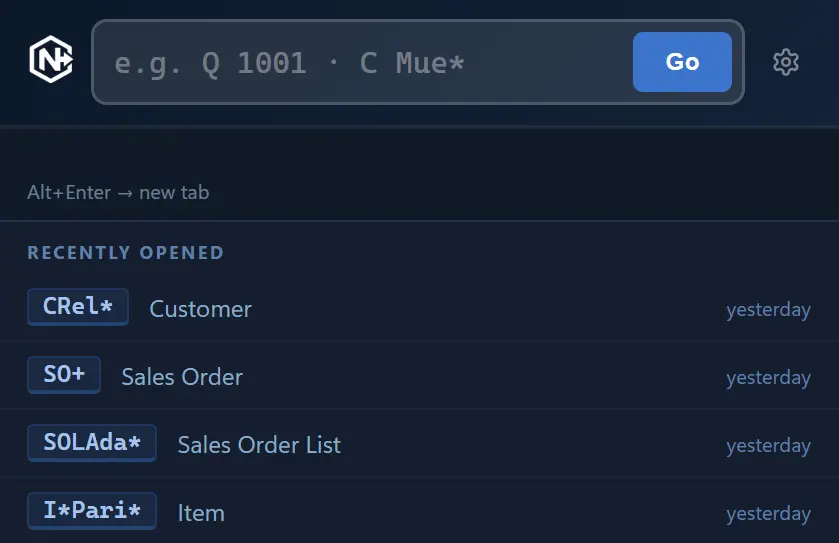
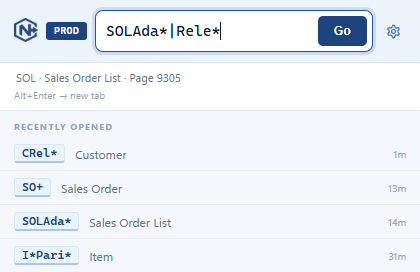
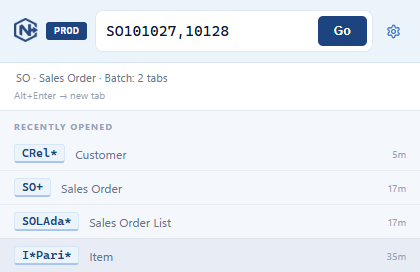
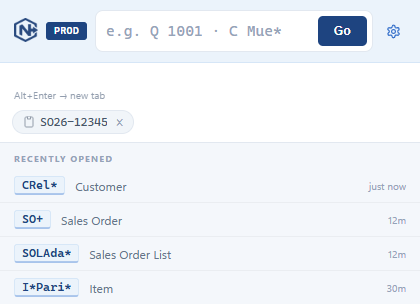
Fast navigation for Business Central power users. Enter a prefix, type the document number, hit Enter – done. No menu clicking.

Chrome Web Store Edge Add-ons

Ready in three steps

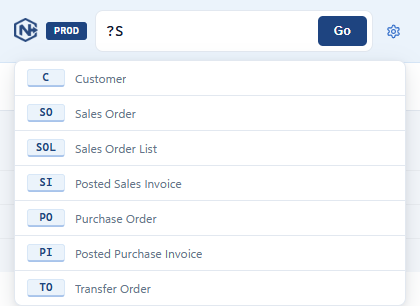
No complex setup needed. Free tier works out of the box – with predefined prefixes for the most common BC pages.

1. Install the extension

Download from Chrome Web Store or Edge Add-ons Store – free, no account required.

2. Add your BC URL

Enter your Business Central URL and company name in the settings dialog – once.

3. Start navigating

Press Ctrl + Shift + L, type prefix + number, hit Enter – go directly to the document.

Frequently Asked Questions

Yes. BC Navigator is a Manifest V3 extension and works natively in Google Chrome and Microsoft Edge. Simply enter the same license key in both browsers.
Yes. Just enter your BC base URL – whether it's businesscentral.dynamics.com (Cloud) or your own On-Premise URL. The extension constructs the correct deep links.
Configuration (URL, prefixes) and history are stored locally in your browser (chrome.storage). Only for license validation, an anonymous identifier is sent to LemonSqueezy. No tracking, no usage analytics.